Keeping older adults safe at home used to mean clunky pendants, complicated hubs, and lengthy installations. In 2025, home alerts for seniors can be as easy as answering a phone call—no wires, wearables, or Wi-Fi required. Whether you are an adult child worried about a parent who lives alone or a county agency coordinating thousands of welfare checks, smarter, simpler setups now exist that dramatically reduce costs and response times while boosting peace of mind.
Why “Simple” Matters More Than Ever
According to AARP, nearly 80 % of adults 65+ want to age in place, yet falls and medical events remain the leading cause of injury-related deaths for seniors in the United States (CDC, 2024). Traditional medical alert buttons certainly save lives, but adoption plateaus when equipment feels intrusive or too technical. Seniors deserve senior safety technology that blends seamlessly into everyday routines. Simplicity drives:
- Higher daily engagement rates
- Faster time-to-deploy for municipalities and nonprofits
- Lower ongoing operating costs for agencies already stretched thin
Modern Home Alert Options at a Glance
| Technology | How It Works | Pros | Cons |
|---|---|---|---|
| Wearable pendants | User presses SOS button to reach monitoring center | Live two-way voice; GPS add-ons | Requires charging & compliance; stigma of “panic button” |
| Smart speakers | Voice commands trigger emergency workflows | Hands-free; integrates with smart home | Needs internet; privacy concerns |
| Passive sensors | Motion or door sensors flag inactivity | No action needed by senior | Up-front install; false positives |
| Automated daily check-in calls | Senior answers phone, presses 1+# to confirm wellbeing | Familiar device; zero hardware cost; works on landlines | Requires ability to answer phone |
Most families and rural agencies gravitate toward the last option because it leverages the phone seniors already trust. ConfirmOk’s daily check-in service exemplifies this category.
How Automated Daily Check-In Calls Work
- Schedule a time window (e.g., 8–10 a.m.).
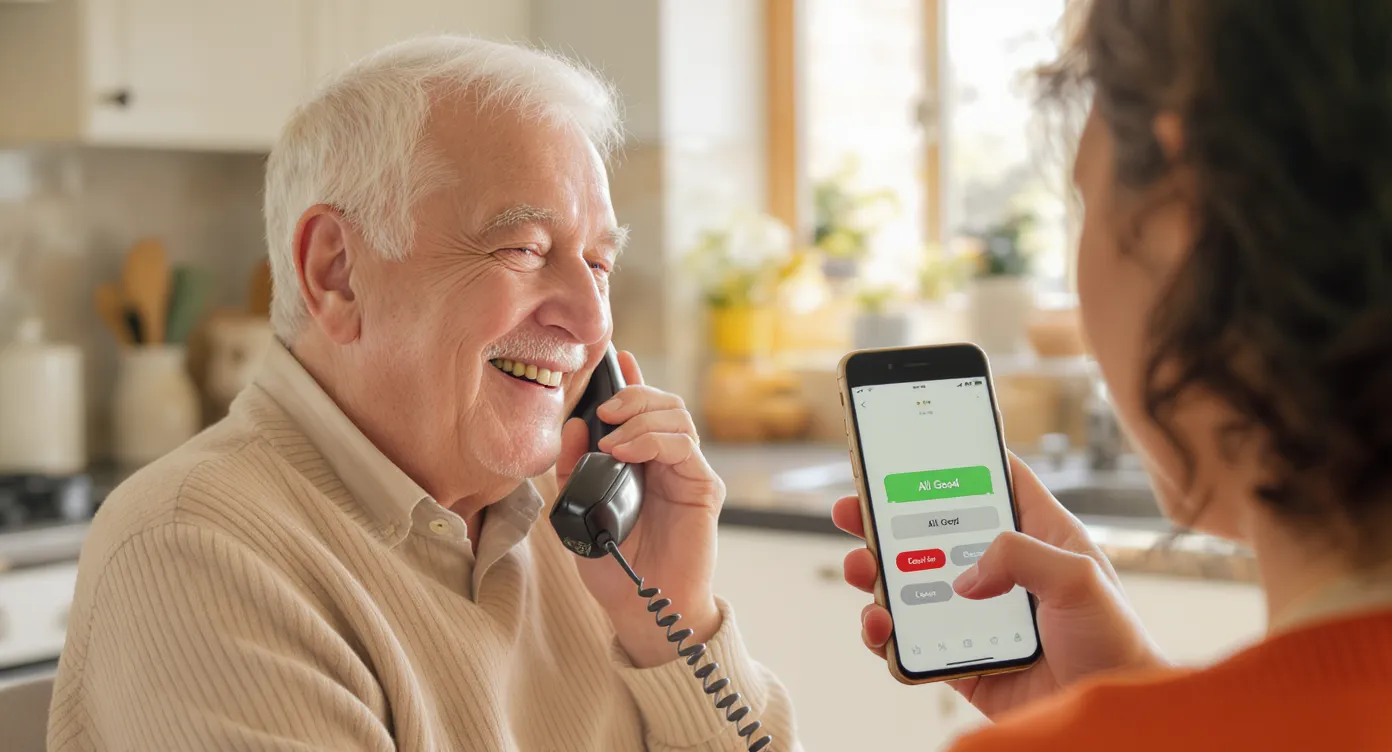
- ConfirmOk places an automated welfare check call. The recipient simply presses 1 + # to indicate “I’m OK.”
- If no confirmation arrives, customizable notifications are sent to unlimited care-group members via text, email, or voice.
- Escalation rules route unresolved alerts to the appropriate responder—family, neighbor, or local dispatch center.
Because ConfirmOk stores all data on secure, encrypted servers, no personal health information is exposed during the process.
Key Advantages
- No special equipment: Works on any landline or mobile phone.
- Flexible scheduling: One-off vacation adjustments or seasonal changes handled in seconds.
- Unlimited care group members: Add neighbors, adult children, or community volunteers at no extra cost.
- Custom reports for agencies: Generate compliance statistics for grant reporting and budget reviews.
Need specifics for your organization? Email [email protected] for a tailored walkthrough.
Implementation Guide for Caregivers & Agencies
Solo Caregivers
- Ask the senior which time of day they are always near the phone.
- Enroll online in under 5 minutes; set up a second contact (e.g., neighbor) for redundancy.
- Review the first week’s success rate; adjust call times if needed.
Councils on Aging & Non-Profits
- Import participant lists via CSV to launch hundreds of daily check-in calls for seniors instantly.
- Use the platform’s tagging feature to prioritize high-risk clients (e.g., recent hospital discharge).
- Integrate ConfirmOk reports into monthly board meetings to demonstrate program impact.
911 Dispatch & Law Enforcement
- Replace legacy RUOK systems with police welfare check automation that scales without phone-line bottlenecks.
- Configure alert routing so unresolved calls drop directly into CAD notes for officers.
- Leverage API access for real-time status inside dispatch software (requires technical setup).
Frequently Asked Questions
Do seniors need a smartphone to use ConfirmOk? No. Any touch-tone phone—landline or mobile—works.
What if the call goes to voicemail? The system retries during the scheduled window. After final retry, standard escalation rules trigger notifications.
Can multiple family members receive alerts? Absolutely. You can add unlimited care-group members at no additional charge.
Is there a long-term contract? No. Plans are month-to-month, and organizations can scale seats up or down anytime.
Where can I get more information? Email [email protected] and our team will respond within one business day.
Ready to Simplify Senior Safety?
Smarter home alerts are just a phone call away. Experience how automated daily check-in calls can protect the people you care about without complicated gadgets or installations. Start your free trial today at ConfirmOk.com and discover peace of mind delivered daily.