Aging in place is the new normal. According to the U.S. Census Bureau, nearly 14 million adults aged 65 and older live alone, and more than half say they intend to stay in their current homes for as long as possible. In many suburban developments, that means seniors are aging right alongside the families next door—and often without a formal support system when an emergency strikes.
For homeowners associations (HOAs), this demographic shift is both a risk and an opportunity. A single unanswered phone call or unnoticed accident can create liability, alarm neighbors, and trigger emergency services. Yet with the right plan, an HOA can transform everyday concern into a structured safety net that keeps residents protected and builds a stronger sense of community.
This guide walks HOA boards and property managers through launching a Neighborhood Senior Check-in Program powered by automated daily calls. You’ll learn why proactive check-ins matter, the technology available, and a step-by-step framework to roll out a scalable solution—without adding stressful volunteer hours or complex equipment.
Why Senior Check-ins Belong on Your HOA Agenda
- Growing Senior Population: The CDC reports that falls send 3 million older adults to the emergency room every year, and nearly 25 % of adults 65+ experience a fall annually. Early detection saves lives and reduces costly ambulance deployments.
- Community Liability: In several states, HOAs may face legal scrutiny if residents experience preventable harm and the board ignored reasonable safety measures. A documented wellness-check program demonstrates due diligence.
- Stronger Neighborhood Ties: Regular touchpoints foster relationships between generations, increasing volunteerism and neighborhood satisfaction.
- Lower Public-Safety Burden: Police departments often field non-emergency “welfare check” calls that neighbors could help prevent with an organized system.
Manual vs. Automated Welfare Checks
| Approach | Pros | Cons | Typical Cost | Scalability |
|---|---|---|---|---|
| Door-to-door volunteers | Personal contact; social benefit | Scheduling headaches; privacy issues; inconsistent coverage | Free (time) | Low |
| Phone-tree system | Familiar technology; minimal cost | Human error; burnout; no audit trail | Free (time) | Medium |
| Automated daily check-in calls (e.g., ConfirmOk) | Always on; instant alerts; detailed reporting; opt-in privacy | Minimal monthly fee; requires resident enrollment | $4–$8 per user/mo (typical for cloud services) | High |
Manual methods often crumble when key volunteers move away or when resident rosters grow. An automated service offloads the repetitive dialing and logging, letting volunteers focus on response and social visits instead of routine roll-calls.
How Automated Check-in Calls Work
Automated systems such as ConfirmOk call each enrolled resident on a schedule you set (daily, every other day, or custom). The call script is simple:
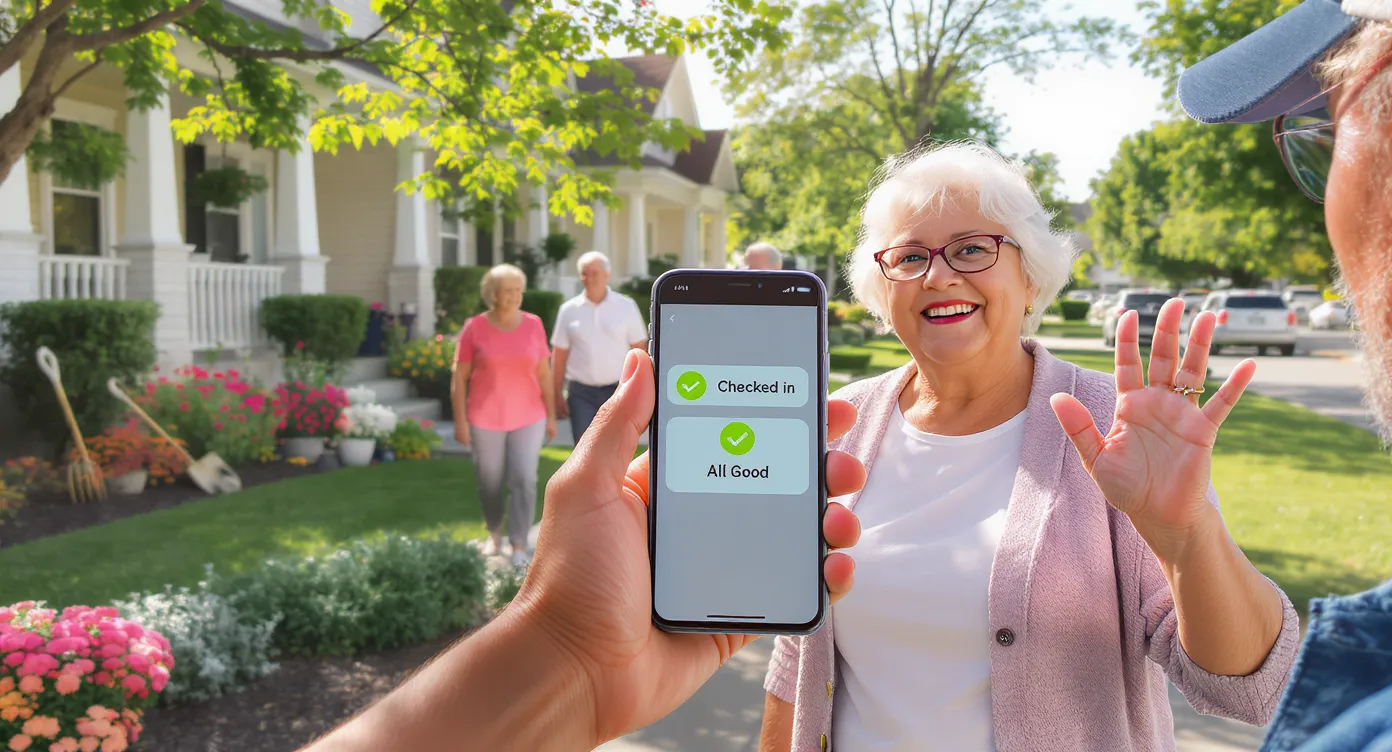
- Resident answers & presses 1, then # to confirm they’re okay.
- If no answer after the configured retries, ConfirmOk triggers instant notifications (voice, SMS, or email) to the resident’s chosen care group—adult children, neighbors, or HOA security.
- No proprietary hardware is required. Any landline or mobile phone works, and an optional SMS check-in covers hearing-impaired users. All data is secured with encryption, so privacy boxes stay checked.
Step-by-Step Blueprint for HOAs
1. Assess Interest and Need
Send a brief survey with your quarterly newsletter or community app:
- How many residents are 65 + and live alone?
- Do they have family members nearby?
- Would they opt in to a daily wellness call?
- A 15 % participation rate is enough to justify a pilot.
2. Form a Safety Committee
Recruit at least three stakeholders: one board liaison, one tech-savvy resident, and one caregiver neighbor. Define roles early: administrators handle the dashboard, responders handle alerts.
3. Choose a Technology Partner
Key evaluation criteria:
- Reliability (99.9 % uptime SLA)
- Flexible scheduling across time zones
- Unlimited care-group contacts
- HIPAA-grade data encryption
- ConfirmOk meets these benchmarks and offers custom reporting for organizations, making board reviews straightforward.
4. Draft Policies and Procedures
Create a written response plan:
- How long after a missed check-in before the first responder calls the resident?
- When do you escalate to 911?
- Who logs incident outcomes?
- Attach the policy to your HOA’s rules & regulations to formalize expectations and limit liability.
5. Budget and Funding
Most HOAs allocate annual “Life-Safety” or “Community Enrichment” funds. At $5 per resident per month, 25 users equate to $1,500 per year—often less than a single landscaping contract. Some communities offset the expense through voluntary resident opt-in fees or local aging-in-place grants.
6. Enroll Residents
Host a kickoff coffee hour. Provide one-page enrollment forms that capture:
- Preferred check-in schedule
- Primary and secondary phone numbers
- Designated care-group contacts
- Enter this data into your ConfirmOk dashboard or have residents self-register via a secure link.
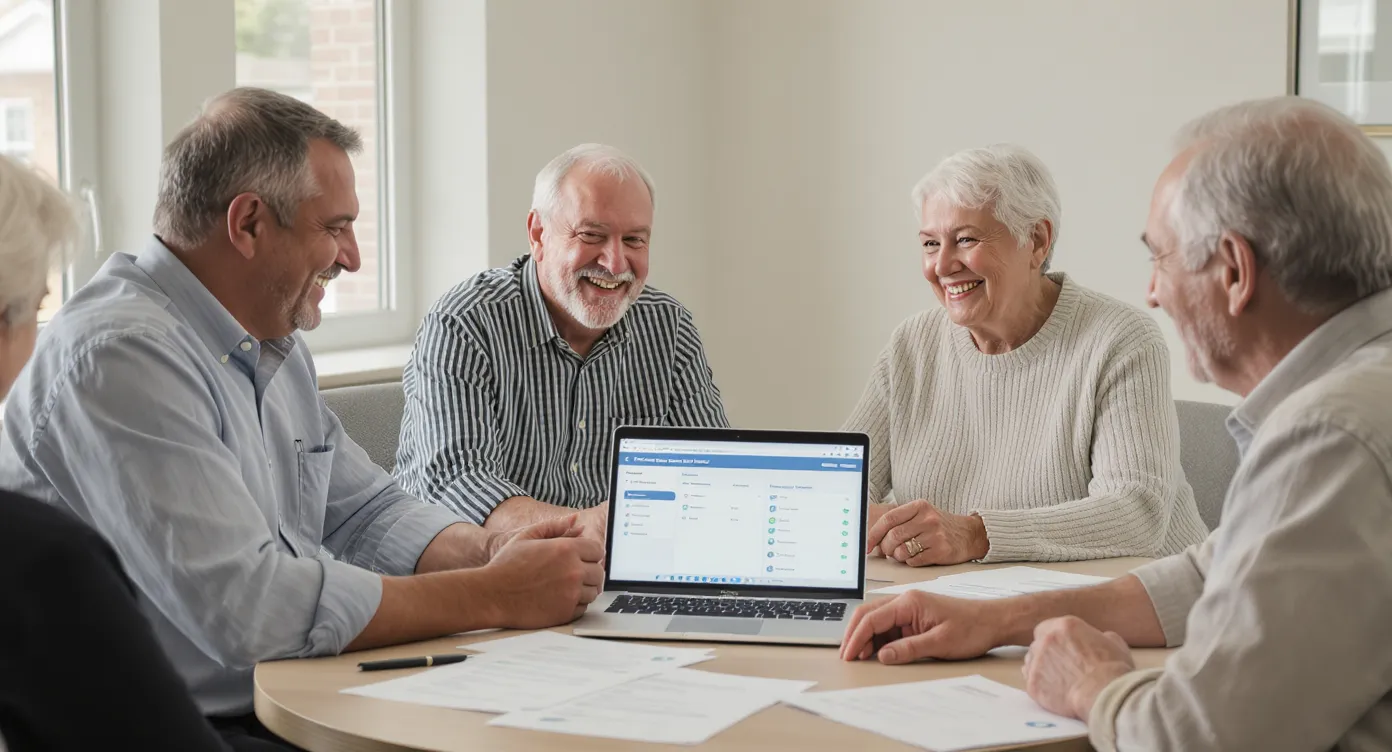
7. Train Responders
- Demonstrate how missed-call alerts arrive (SMS, email).
- Walk through a live test: let volunteers see the “Missed Check-in” screen and practice calling the resident back.
- Emphasize documentation: date, time, outcome.
8. Launch and Monitor
Start with a 30-day pilot involving ten residents. Review metrics:
- Check-in success rate
- Average response time to missed calls
- Resident satisfaction (post-pilot survey)
- Iterate schedules or response thresholds as needed, then expand to all interested seniors.
Roles and Responsibilities Matrix
| Stakeholder | Primary Task | Backup Task | Tools Used |
|---|---|---|---|
| HOA Board Liaison | Approve budget; oversee compliance | Draft quarterly reports | ConfirmOk admin portal |
| Safety Committee Chair | Coordinate responders; maintain roster | Enrollment drives | Shared spreadsheet |
| Responder Team | Call residents after missed check-ins | Update incident log | Mobile phone, ConfirmOk alerts |
| Resident Care Group | Provide keyholder access; notify EMS if needed | Wellness visits | Personal phones |
Funding & Insurance Considerations
- General Liability: Inform your insurance carrier; many welcome risk-mitigation programs and may even offer premium credits.
- Grants: State Departments of Aging and local foundations often fund community-based safety initiatives. AARP’s Community Challenge Grant has backed similar check-in pilots.
- Tax Deductions: If residents pay opt-in fees directly, consult a tax advisor—many classify wellness services as qualifying medical expenses.
Measuring Success
Key performance indicators (KPIs) give the board concrete ROI data:
- Completion Rate – Aim for 95 % successful daily check-ins.
- Average Response Time – Target <15 minutes from alert to human contact.
- Incident Resolution – Track how many alerts escalated to EMS vs. family.
- Resident Satisfaction – Annual survey score of 4+ out of 5.
- ConfirmOk’s custom reporting exports these metrics as CSV or PDF for easy board review.
Next Steps
Launching a Neighborhood Senior Check-in Program is less about technology and more about commitment. Automated calls handle the repetitive tasks, freeing neighbors to focus on genuine connection and timely assistance.
Ready to bring peace of mind to every doorstep? Explore ConfirmOk’s HOA-friendly plans and schedule a live demo today at ConfirmOk.com.
By investing a few dollars per household, your HOA can deliver priceless security—and prove that community still means looking out for one another.